Encrypted on this device
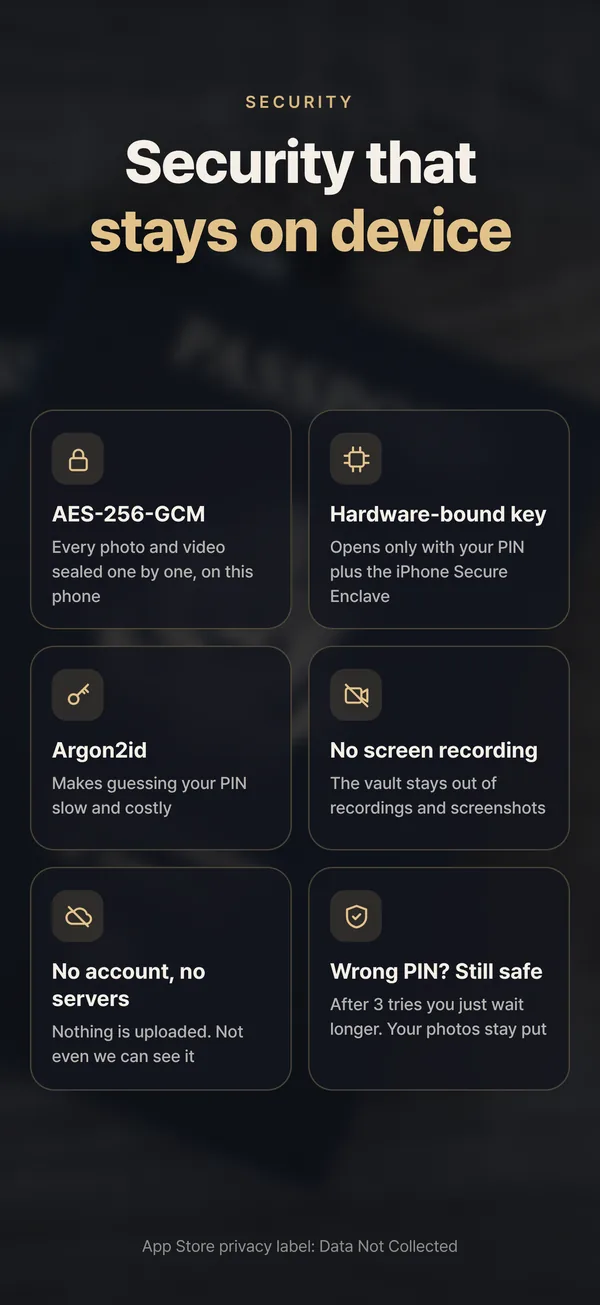
Every photo and video is encrypted on your iPhone or iPad with AES-256-GCM, each with its own key.
iPhone & iPad · Now on the App Store
Private Vision Vault keeps the photos and videos you choose encrypted on your own device. No account, no servers, no tracking. It is now on the App Store. Beta testers get new versions early through TestFlight.
The TestFlight invite link will appear here when the beta opens.
Screens
The real app screens, with sample photos. Swipe to see all seven.
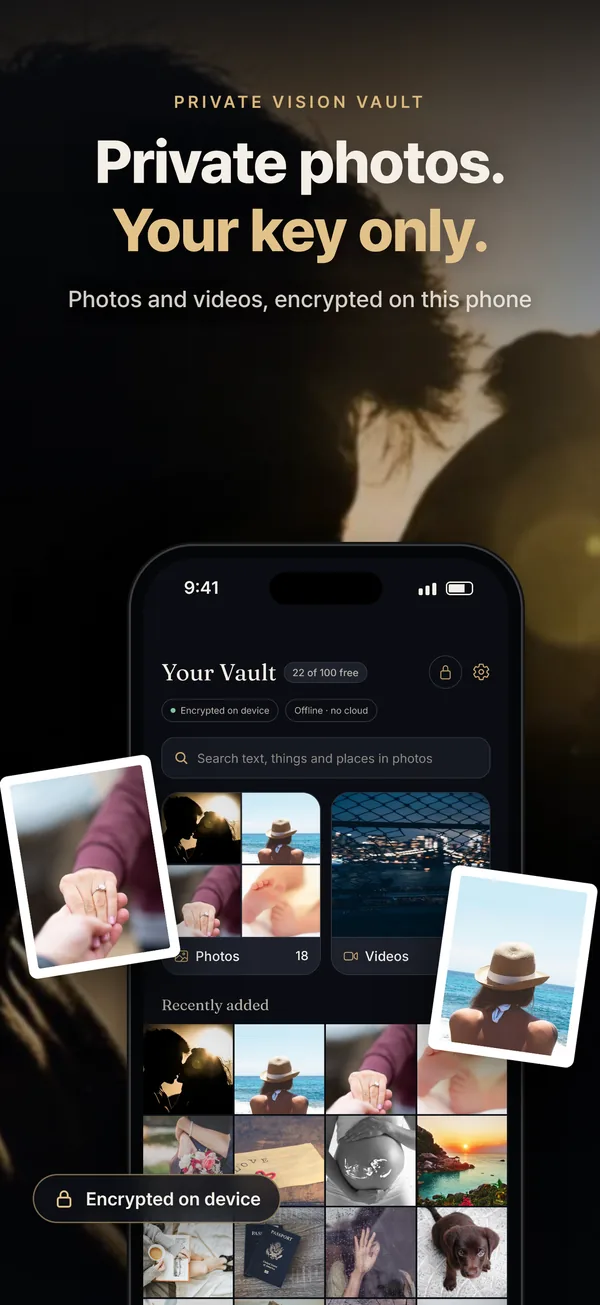
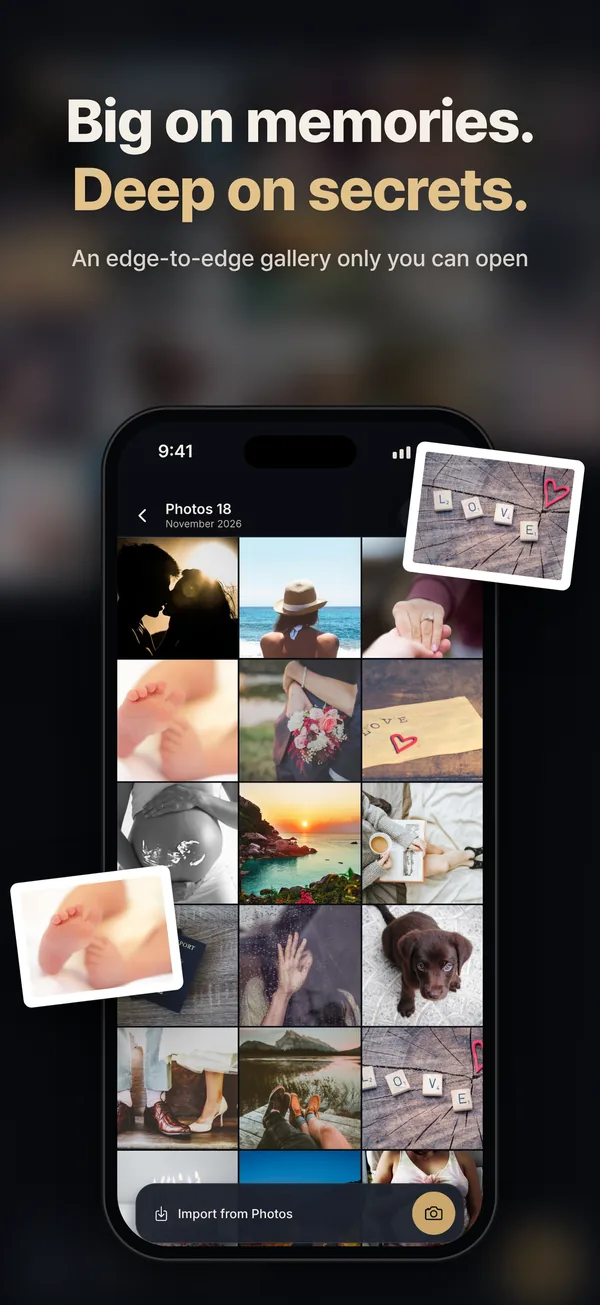
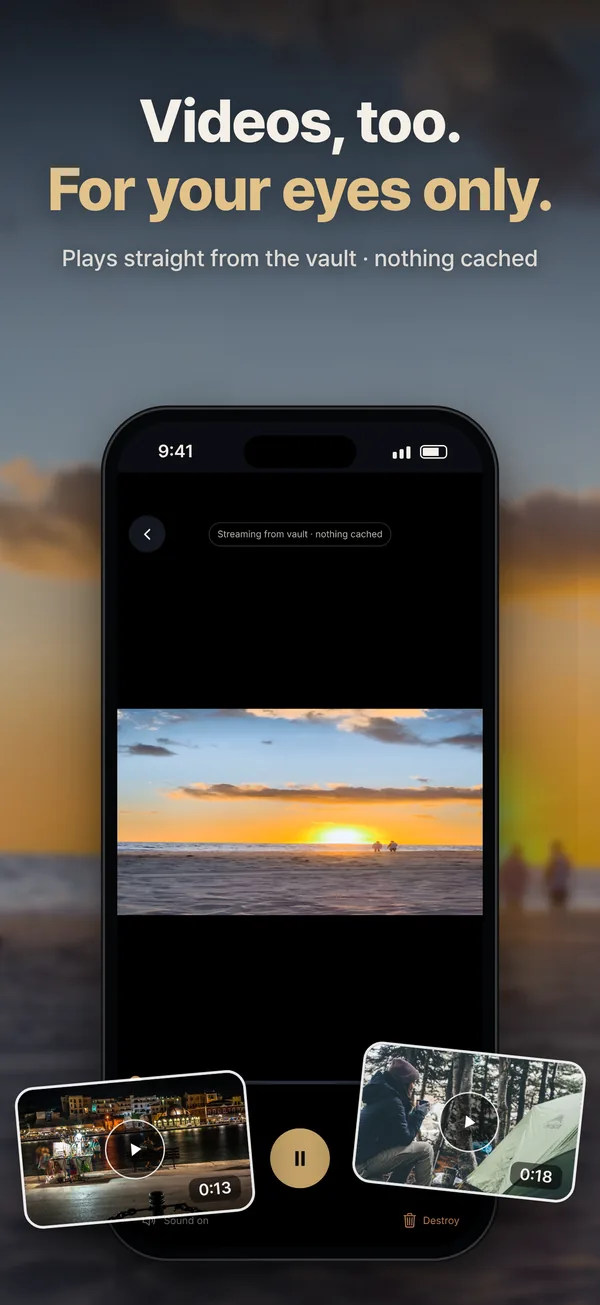
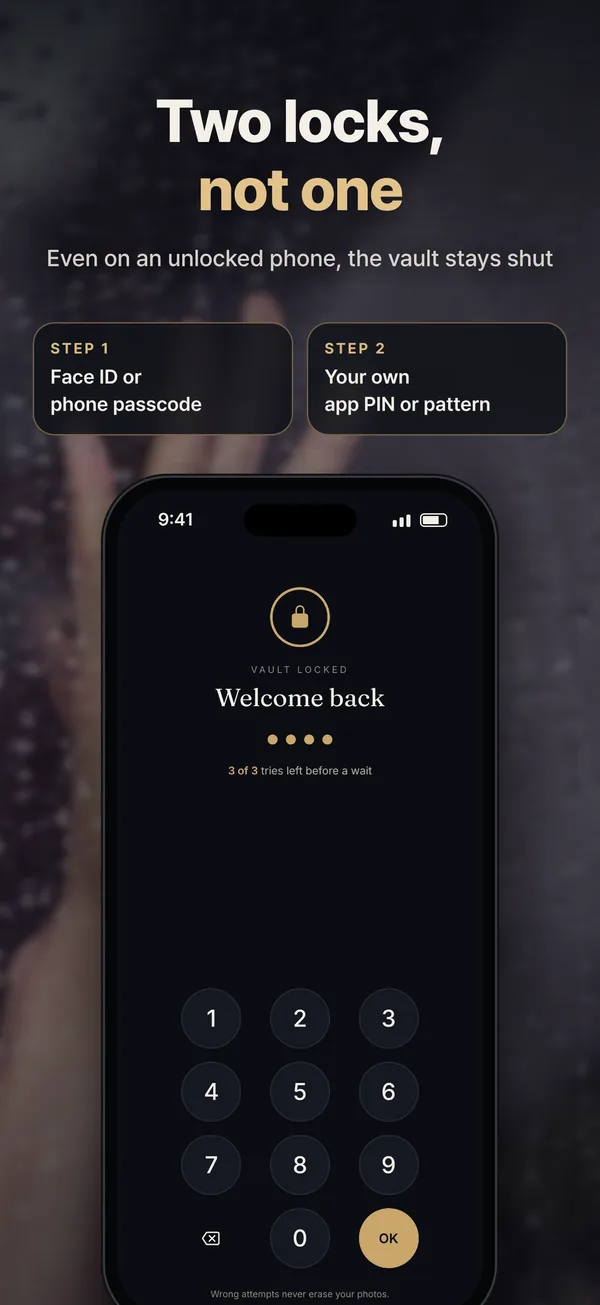
Real app screens with sample content. Sample photos are CC0 images from StockSnap.
The app
Copy the pictures you want to keep private into a vault that only opens with your PIN or pattern, on your own phone. Nothing is sent to us or shared, and the optional backup stays encrypted in a folder you choose.
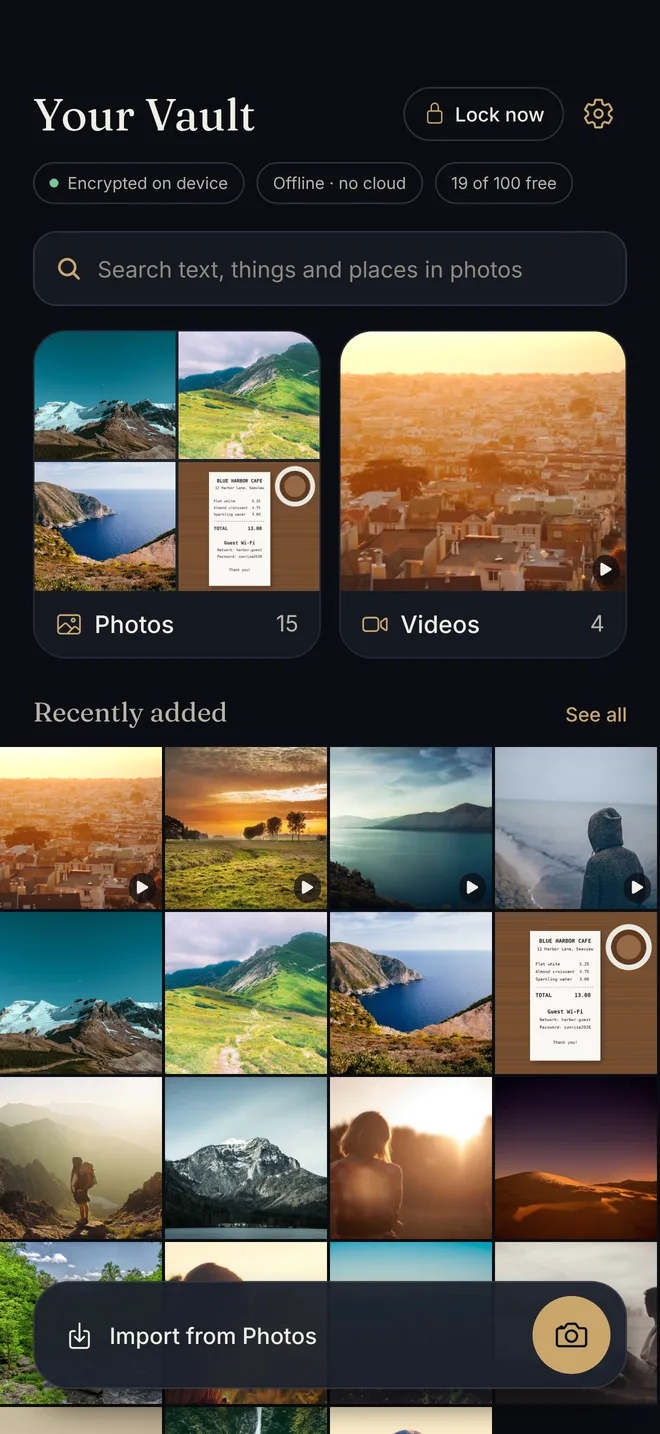
Every photo and video is encrypted on your iPhone or iPad with AES-256-GCM, each with its own key.
No sign-up and no email. There are no servers to send anything to, and the vault works in airplane mode.
Search for a shop name, a price or a Wi-Fi password, or for what a photo shows. Text and objects are recognized on the phone itself, and the results stay sealed in the vault.
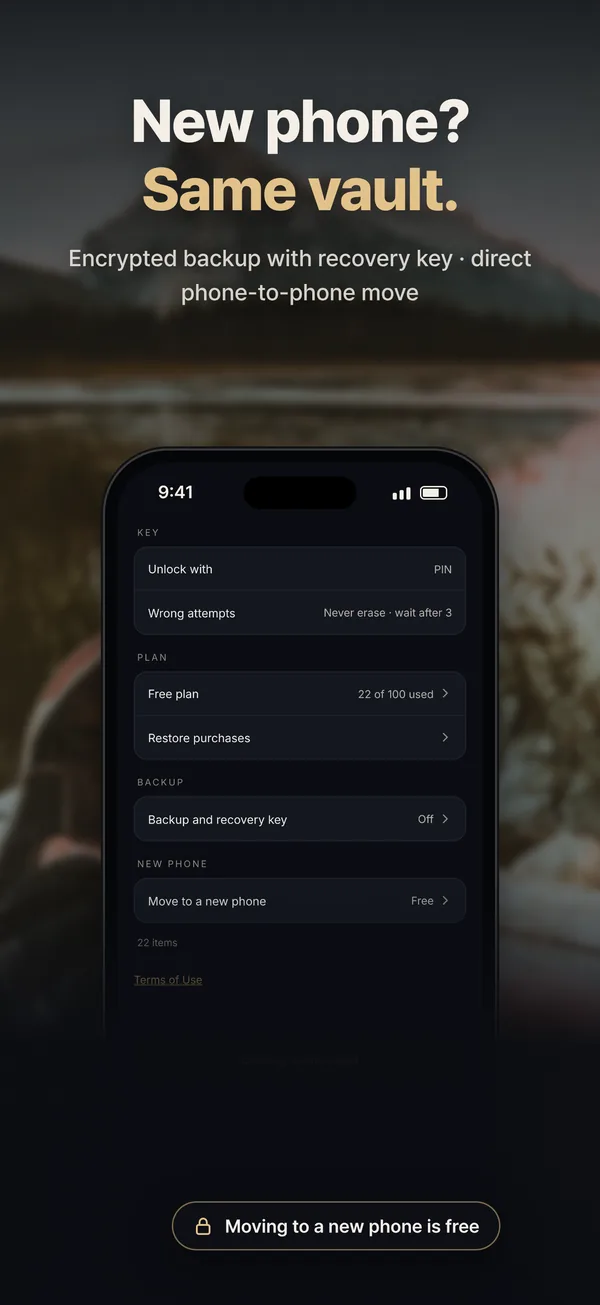
Optional and free. Already-encrypted copies go to a folder you choose, such as iCloud Drive, and only your 52-character recovery key opens them. Restore after deleting the app or on a new phone.
Shoot photos and videos straight into the vault. They never land in your photo library, and location data is removed.
Send your vault directly from your old phone to your new one over your own Wi-Fi, encrypted the whole way. Works between iPhone and Android once the Android version is out.
Free
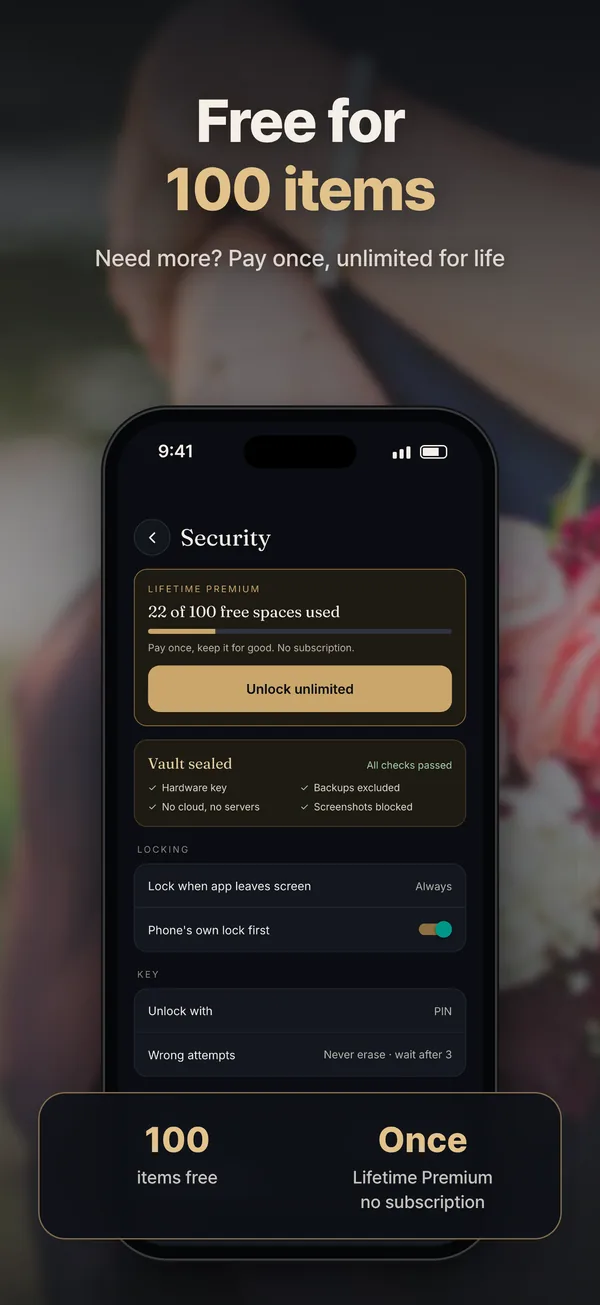
Up to 100
photos and videos, with every security feature included.
Lifetime Premium
US$9.99 once
Unlimited photos and videos. One payment, no subscription, no ads. Prices vary by country.
In the TestFlight beta, purchases go through Apple’s test system, so you are never charged.
Watch
Real screens from the latest beta, from creating your vault to searching inside your photos and opening it again.
About 1 minute 45 seconds, with narration and music. Steps shown: open the app, choose a PIN or pattern, import photos, the vault home screen, the full-screen gallery, searching for a word inside a photo, the highlighted match with its text, and searching by what a photo shows. Four short scenes show the technology: the two keys that open the vault, a separate key for every file, on-device search, and no servers or accounts. It ends with the encrypted backup, the security settings and unlocking again. Sample photos are from Unsplash; the receipt is a made-up example. The music is original.
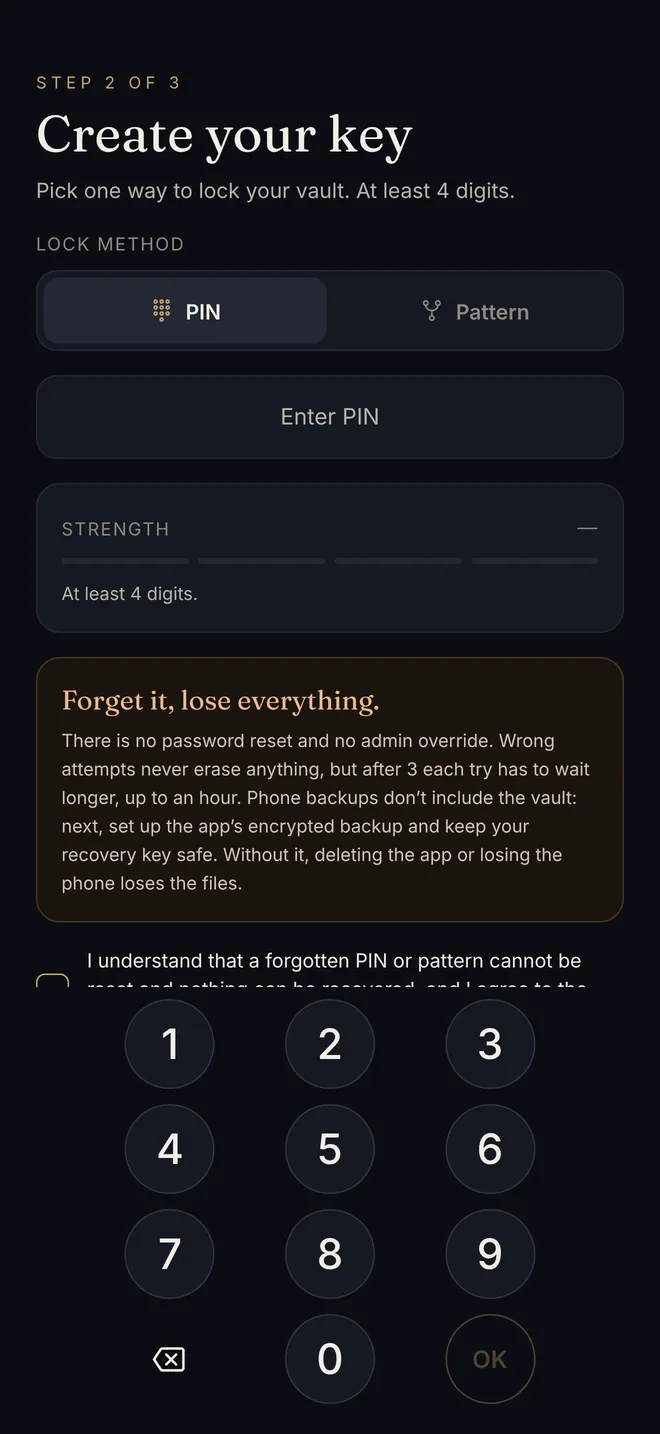 01
Pick a PIN (at least 4 digits, 10 or more is safer) or a pattern.
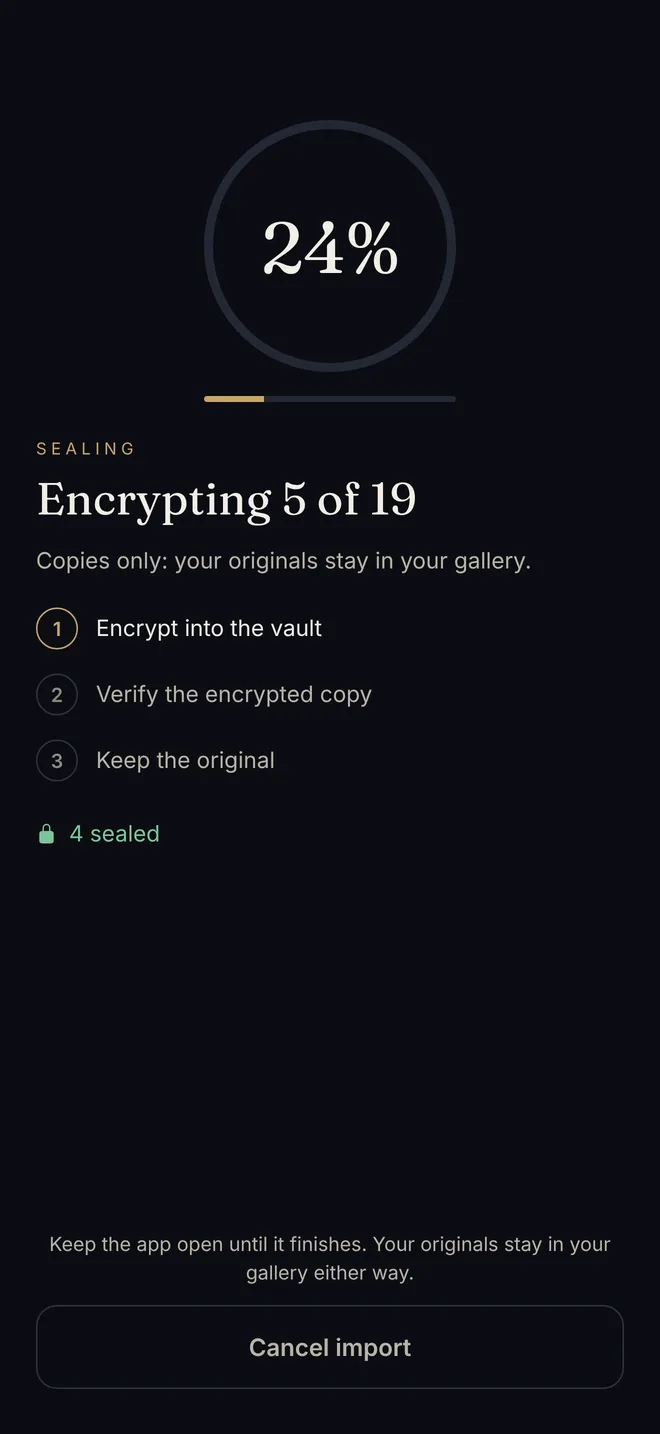 02
Import from Photos. Each item is copied in and checked. Your originals are never deleted.
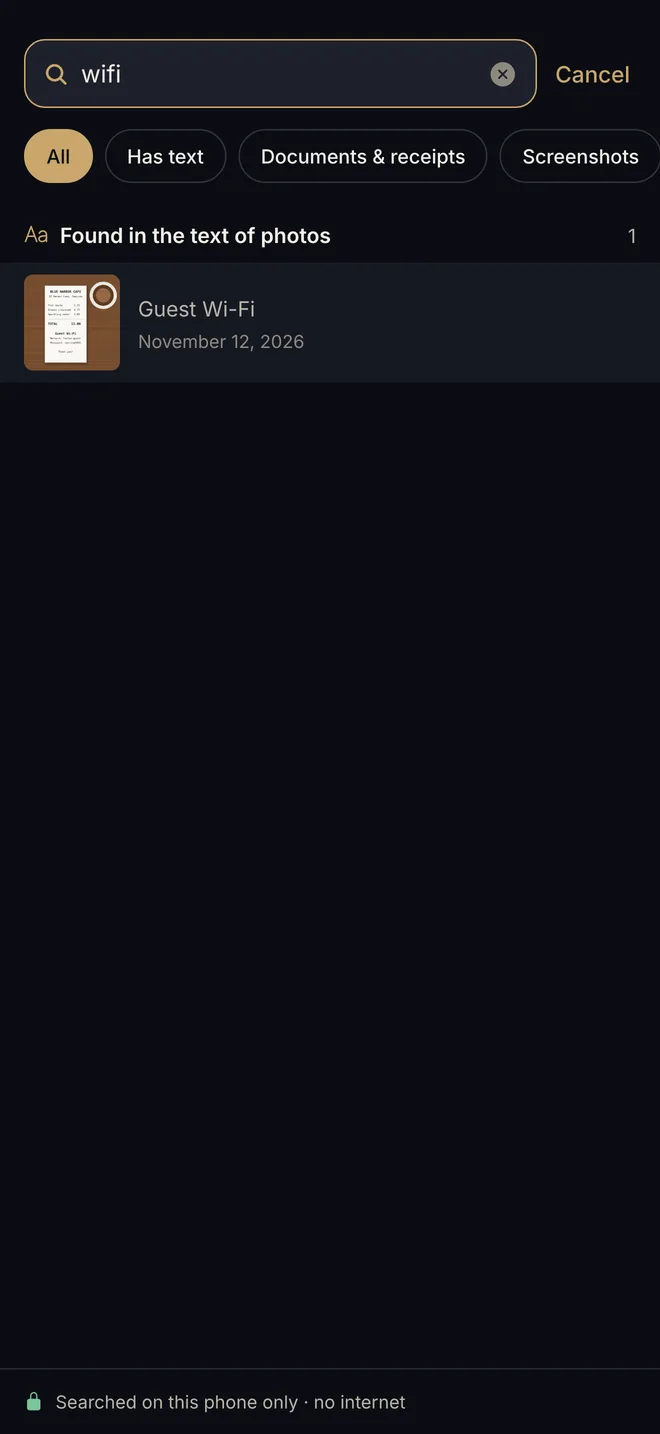 03
Type a word you remember from a photo, or what it shows. It all runs on the phone.
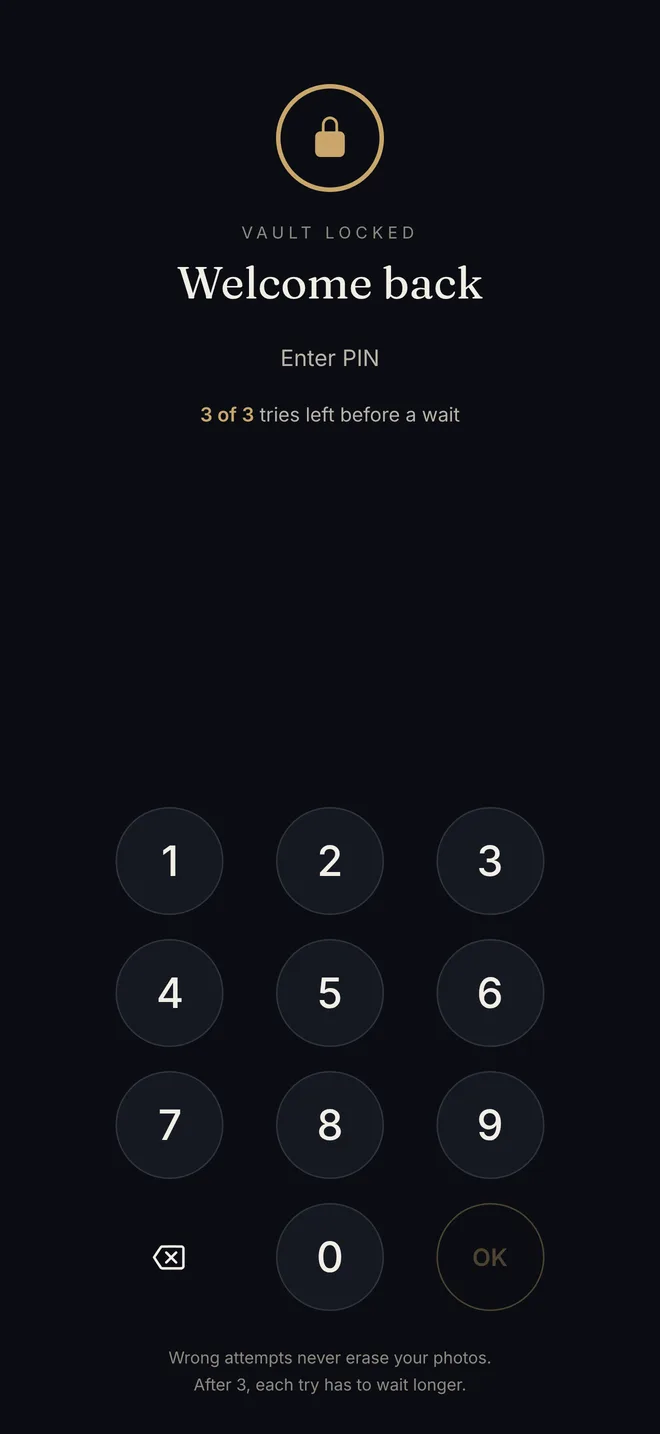 04
The vault locks the moment you leave the app. Your PIN opens it again.
Technology
The vault opens only when your PIN and your phone’s security chip are both present. Neither one opens it alone, and the unlocked key lives in memory only while the vault is open.
+
Beta specifications, subject to change during testing. No independent security audit has been done yet.
Principles
These don’t change from beta to release.
They are encrypted and kept on your phone. We never receive a copy. If you turn on backup, only already-encrypted copies go to a folder you choose.
Nobody, including us, can reset your PIN or open your vault. There is no back door.
No account, no analytics, no ads, no tracking. PINs, file names and keys are never written to logs.
There is no share, export, save or print. Photos and videos leave the vault only still encrypted: to your own new phone, or to your own backup folder. The one exception is text: you can copy the words the app reads in a photo, and the clipboard is cleared after 2 minutes.
Importing only copies, so your originals stay in your gallery. Wrong PINs make you wait, but never erase the vault. Moving to a new phone never deletes anything on the old one.
We say what the app protects and what it can’t. No “unhackable” claims.
This is a beta and may have bugs. Only put in photos you also have saved somewhere else.
Nobody can reset a forgotten PIN or pattern, including us. With the encrypted backup and your recovery key you can start over and restore. Without them, the photos can’t be recovered.
After three wrong tries, each new try waits 1 minute, then 5, then 15, then an hour. Your files stay safe while you wait.
Importing copies. If you want an original gone, delete it in Photos, then from Recently Deleted and any cloud photo backup.
Download it from the App Store, or test new versions early on TestFlight in three steps.
Get Apple’s free TestFlight app from the App Store.
Tap the button below on your iPhone or iPad. TestFlight opens and offers Private Vision Vault.
In the TestFlight app, open Private Vision Vault and tap Send Beta Feedback.
The TestFlight invite link will appear here when the beta opens.
Android version comes later.